
Accessing & Navigating WordPress
WordPress is the tool we use to submit and publish articles. Whether you begin your writing process directly in WordPress or in a separate word processing program (like Word or Google Docs), all of your work must be submitted through WordPress to be published. This article will prepare you for logging into WordPress, setting up your bio, and how to navigate the various WordPress sections.
Accessing WordPress
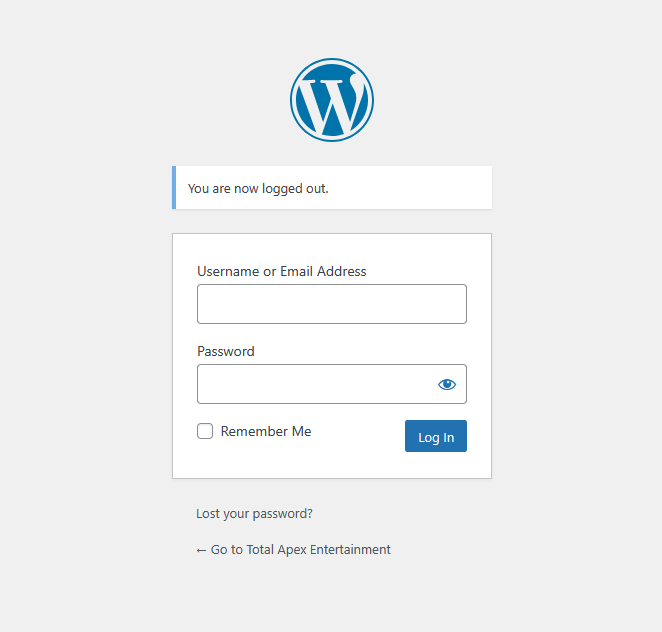
Once you’ve been approved to write for Total Apex Media, a login will be created for you on the WordPress for the site you’ll be writing for. We currently have three sites: Entertainment, Sports, and Herald.
The first time you log in:
- Log in with your username and the temporary password you were given.
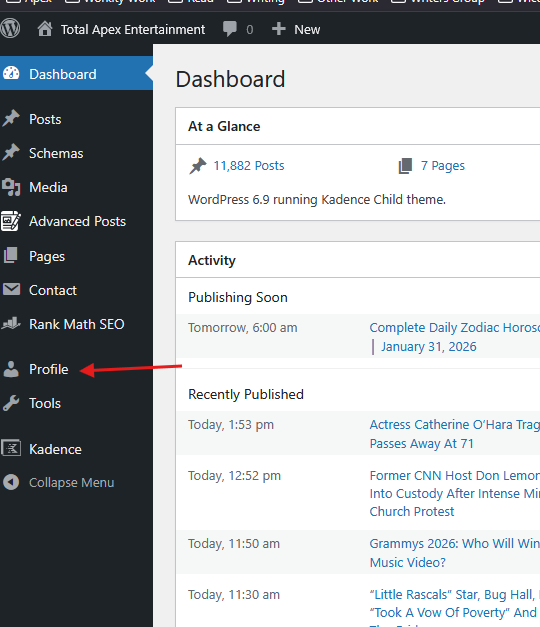
- Click Profile on the left-hand side.
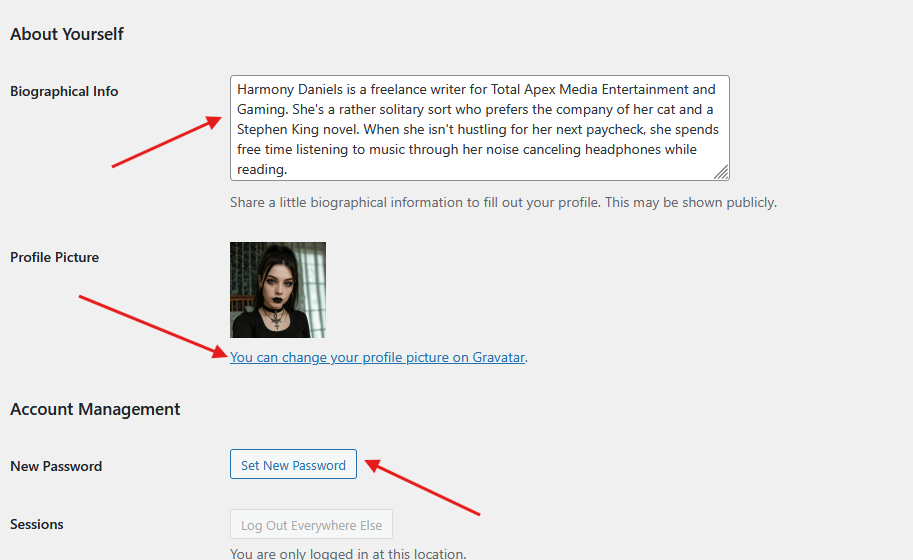
- Update your bio.
- This should be written in the third person, be about a paragraph in length, and contain information about you both professionally and personally.
- Add a headshot.
- This must be a photo of you. It cannot be a pet, object, or anything else.
- It must be clear, not blurry.
- Click Set New Password, then change it to a new, secure password.
- Scroll to the bottom and click Update Profile.
Navigating WordPress
Once you’ve created your bio, added your headshot, and updated your password, you’re ready to get started. Let’s look at the parts of WordPress. Please watch the video below. (Update 02/09/2026: Starting today, journalists should not be entering anything in Tags.)